2018 // Personal (Dragyn) // Design
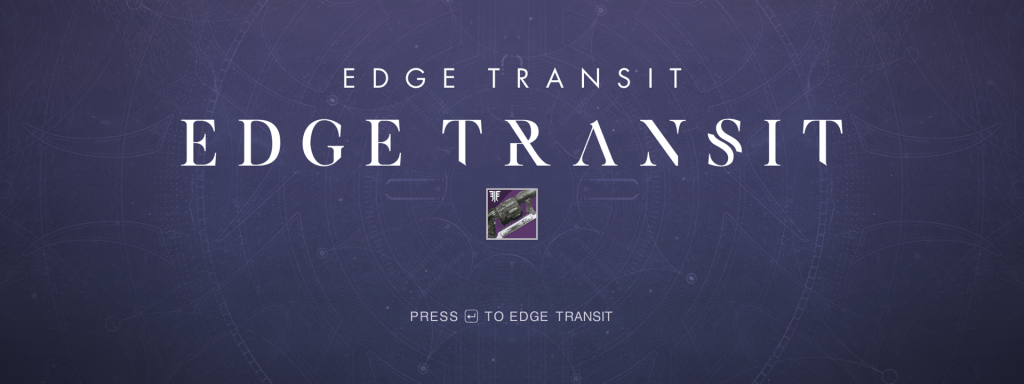
A video that is aimed at poking fun about an in game meme that got featured as the developer’s video of the week, and got 425,000+ views on YouTube.
– Objective –
Create a video that is a collection of all of the Edge Transit drops in Destiny 2, that quickly became a community-wide joke. Use a montage format with quick cuts and complex edits to create a comedic video to post on Dragyn, my personal YouTube channel.
– Approach –
Edge Transit was the first time I made a video like this, up until this point a lot of my video content had been, in the kindest meaning, generic. My content usually followed traditional YouTube gaming video structure and style, but I wanted to make something a little different and original.
When I was working on this video, I didn’t have After Effects or any other creative cloud applications, so I made this entire video in Premiere Elements and Photoshop elements. Since I didn’t fully understand alpha channels and was missing much of the knowledge that I have now, a lot of my approach was to create green screen elements and layer them upon one another. A lot of my approach was dictated by my limited knowledge of video production and how powerful my computer was.
– Work Completed –
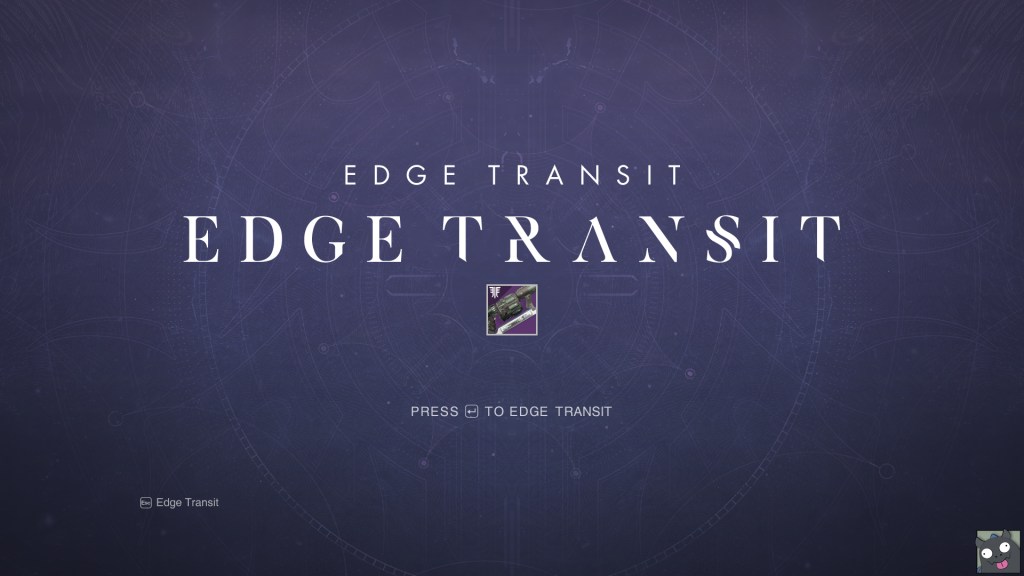
The thing that I made first was the menu edit. I didn’t really have a full picture of what the video was going to be until after this piece was completed. I tried my best to remove the Forsaken and Destiny text so that I could replace them with Edge Transit. A lot of this was done using spot healing and clone tools in Photoshop and I tracked down the typefaces that were used for the Destiny logotype and Forsaken logotype.
After completing the menu and text replacement edits, I began work on other elements the usually involving hud and menu edits, like replacing every word in the character menu with Edge Transit and even having a boss’s name in game be replaced with it. After completing these edits, I really fell in love with the idea and they became a staple of my channel going forward.

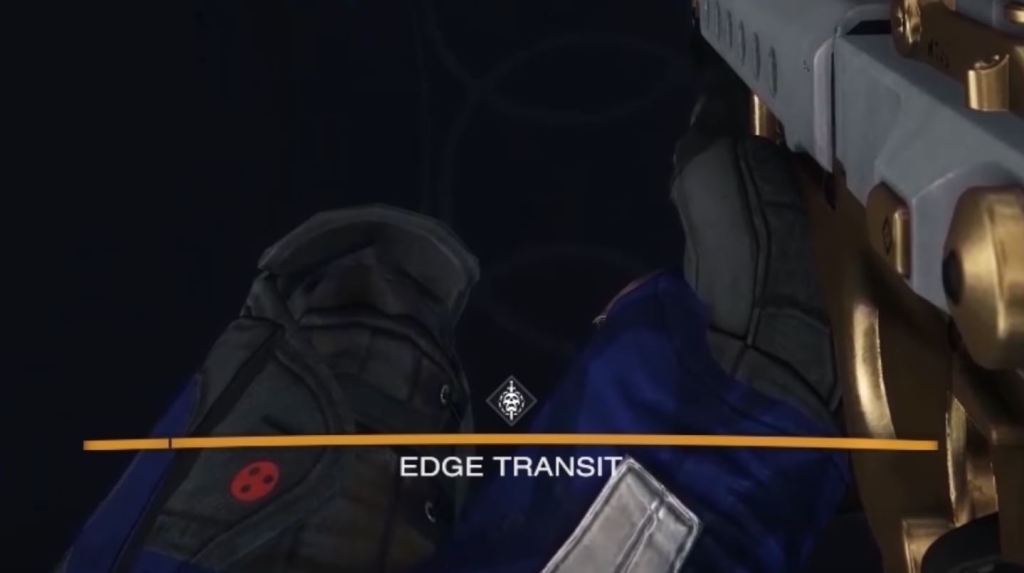
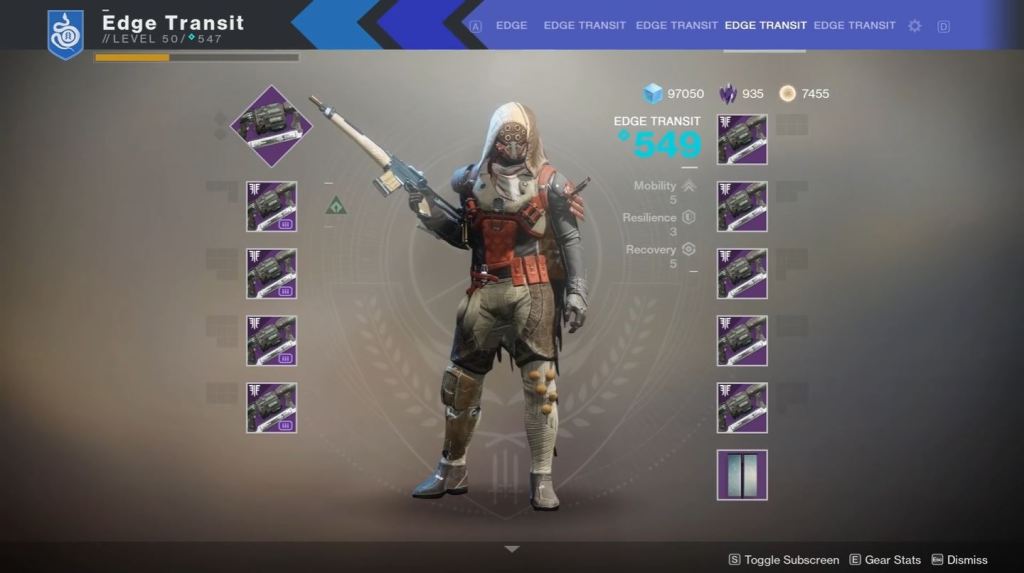
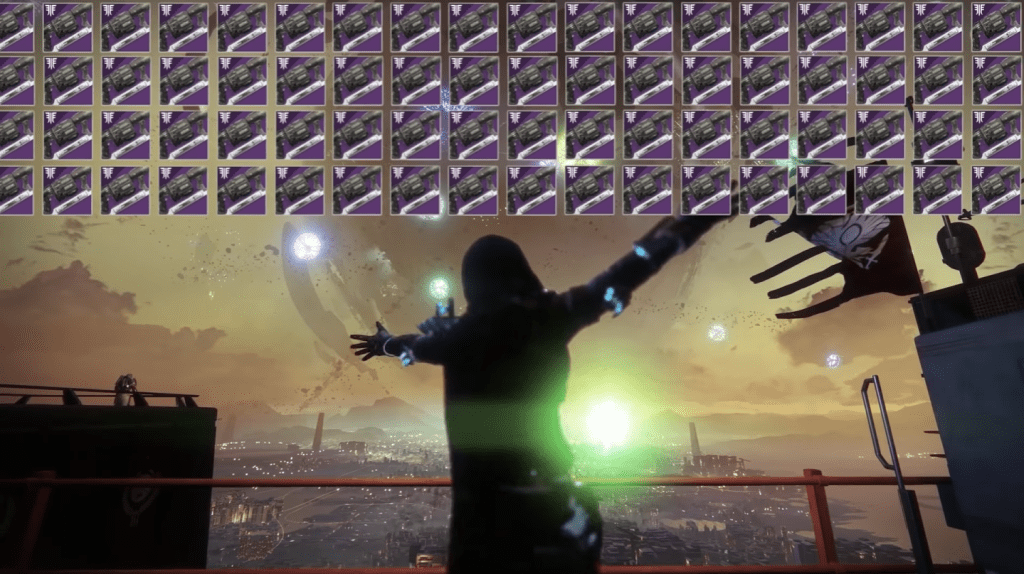
The most intense edit involved recreating the motion graphic of the in game Edge Transit drop and duplicating across the screen. recreating the drop was a hand full of keyframe animated shapes, but putting them all together and overlaying them on top of the footage was difficult. Normally you’d create your motion graphic in after effects with a transparent alpha channel, but since this was in Premiere Elements I had to chroma key each individual piece of the drop resulting in video elements looking like the few down below.
Here’s a frame from the finale of the video that featured multiple drops almost covering up the full the frame. I vividly remember my computer suffering under the load of dozens of chroma keyed files being rendered all at once.
And here’s the final product!
– Retrospective –
I look back a this video and the process making it incredibly fondly as it helped define my style of video production and allowed me to learn more intricate elements of video editing, This was the first time I had made my own motion graphics, even if they were based off of the ones found in Destiny 2. It’s also so fun lookin back at the video editor that I was when I was still self teaching myself even some of the basics and using Adobe Elements (which I don’t think exists anymore).
I think this video is a great example of getting something done regardless of the tools I had my disposal. I truly had no idea what After Effects was at the time, so I just made Premiere Elements work in order to make something that I desperately wanted to make. I also find it so interesting to look back and see that I didn’t do any pre-production or planning for the video, I just let myself come up with ideas and attempt to make them work on the spot. Not the best habit, as I’ve seen what planning and pre-production can do to enhance your workflows, but you have to start somewhere.
 ALEX VERKEST