2021 // Personal (Dragyn) // Design
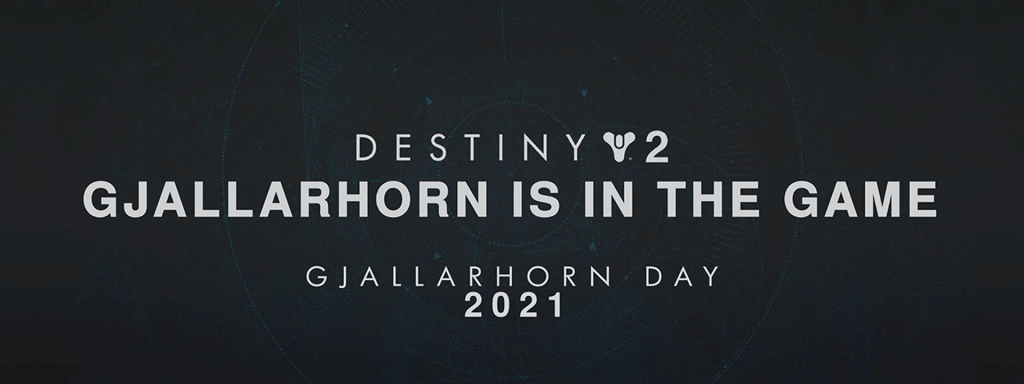
A video commemorating an in-game reference that the community has turned into an “event”. The video features heavy rotoscoping and motion graphics, including recreating an old editing style with new technology.
– Objective –
Create a video that is similar to an April fools like joke, to commemorate Gjallarhorn day in 2021. The video should feature the unlikely scenario of Gjallarhorn dropping in game, proceeding to run around the world with it, and then ultimately wake up from dream.
– Approach –
In 2021, I had finally upgraded to After Effects and Premiere Pro since I needed them for my university classes. With that in mind, I wanted to try to make a video using some of the new skills that I picked up from school. I had an idea for this type of video, and originally intended it to be an April Fool’s joke. I didn’t get to it in time for April, but I think that was a good thing, since I felt like it would cheapen the joke if it were just an April Fool’s joke.
I knew that if I wanted to sell the idea that Gjallarhorn had returned to Destiny 2, I would need to do a hand full of menu redesigns, motion graphics, and rotoscoping. I started with a short storyboard, and then began to execute on the edits.
– Work Completed –
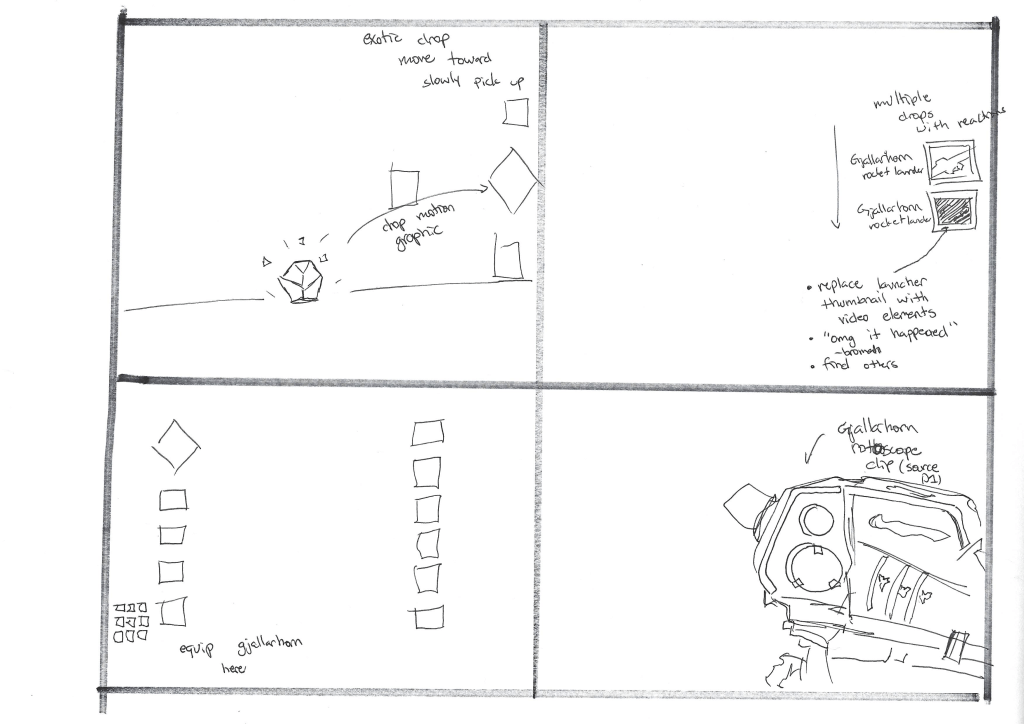
While I still think that my storyboarding needs some work, which is what I wanted to practice with this project. The most important part to me was to get the ideas on paper.
The first thing I did was recreate the motion graphic of the Gjallarhorn dropping in game. Since I had experience creating this same type of edit in the past, I felt confident that that this would be a good place to start, especially now that I had After Effects and more knowledge of motion graphics. Below is the video, complete with alpha channel! No more silly chroma keying here.
For the drop, I had really bad luck in game getting an exotic to drop, makes sense because they’re pretty rare, so I decided to do some color correction on a Prime Engram drop in order to fake the exotic drop.
The next scene that followed featured some UI text edits. I wasn’t content with just moving into the edit with multiple reactions, so to allow the drop moment to sit for a little longer I wanted to hold the frame on the Gjallarhorn thumbnail. After just holding the frame, it felt like it was missing something, so I decided to have the game “react” to the drop. These text elements edits are some of my favorites to do especially if they’re fourth wall breaking, seen here in the intro of this video. In order to make this edit I created a clean plate by rerecording the location in game and without any hud elements on and recreated the the quest UI in order to add the text.
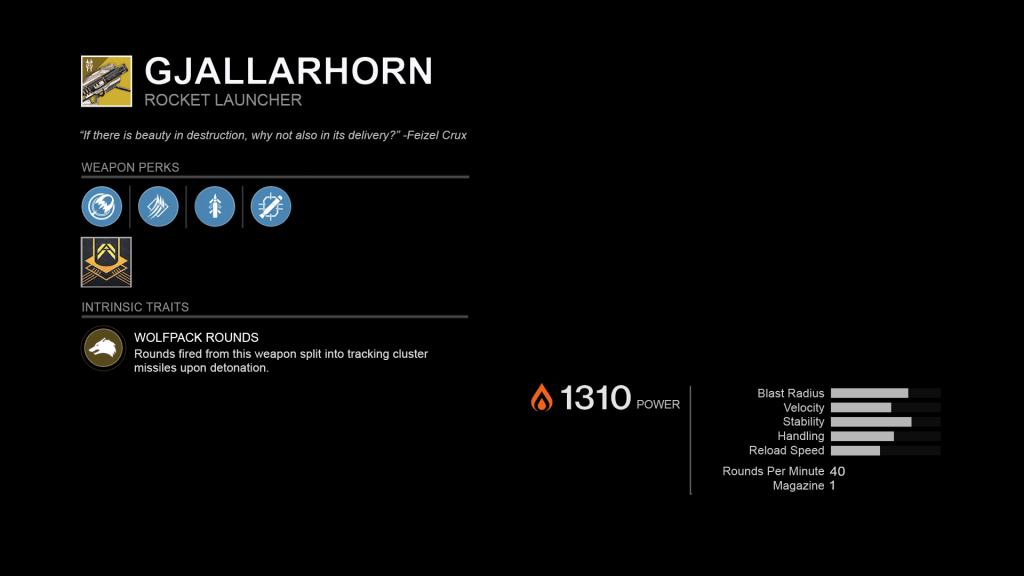
After completing minor edits of equipping the Gjallarhorn in the menu, which just called for some simple Photoshop and typography edits, as well as image replacements in After Effects, below are a few assets created for those edits.
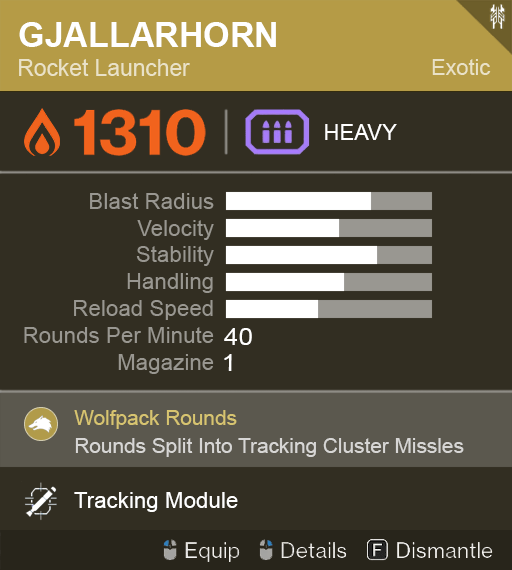
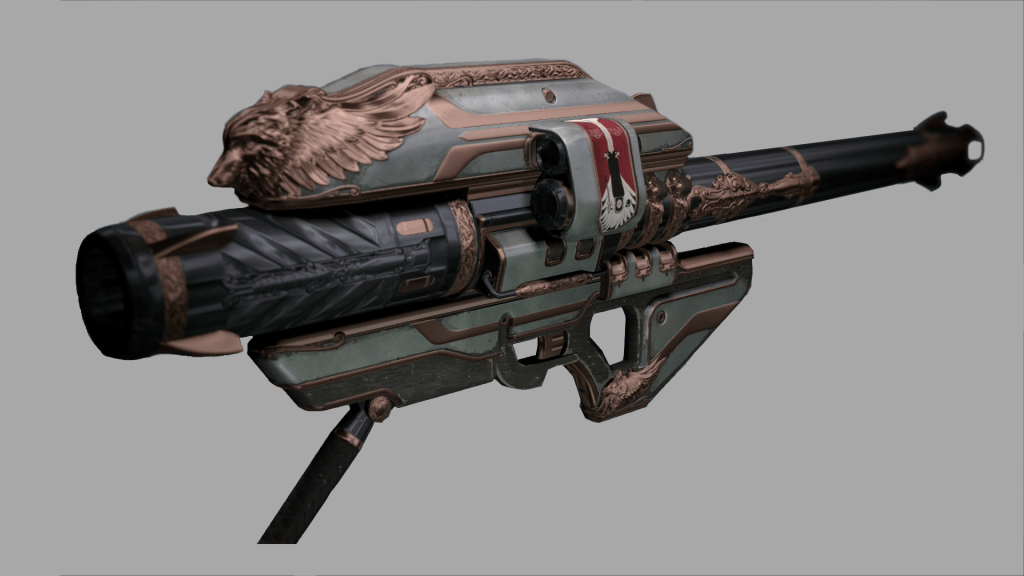
The final piece of the video was to rotoscope in the Gjallarhorn from Destiny 1, this was the most time intensive piece. I began by recording a bunch of weapon animation footage from the first game, this include idle, movement, and ADS animations. I tried to grab as many as I could in order to allow myself some flexibility when rotoscoping the footage in.
Once I finished with that, I decided to drop the footage into After Effects to test out some rotoscoping. After Effects has a great Rotobrush tool that will automatically rotoscope out an element base in your project, but it didn’t play well with the footage that I was using. So because of that I decided to rotoscope the footage by hand. Since this was my first time doing this, I didn’t know the practice of separating your masks in order to create a more organized space, so I did it all with one single mask.
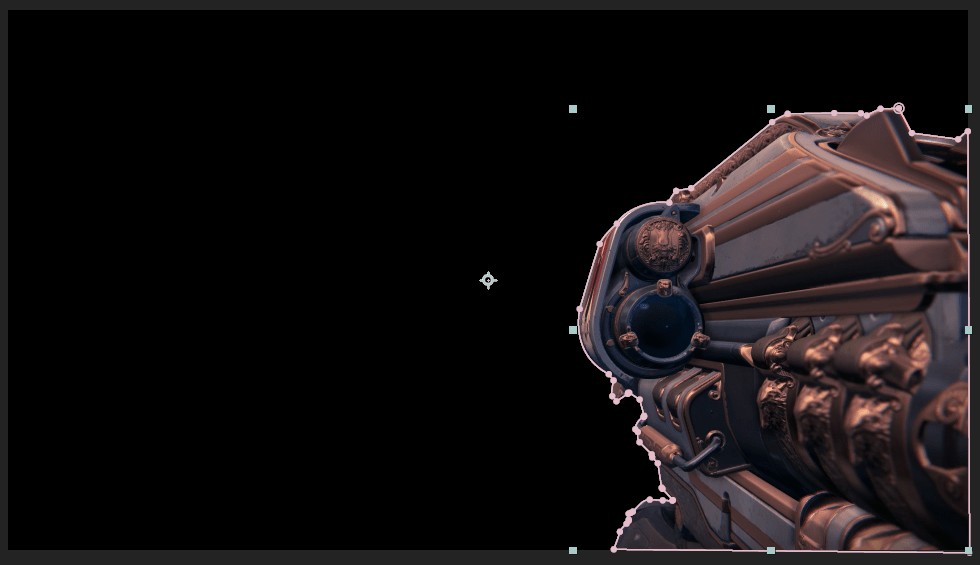
I needed some base footage of me playing the game, so I jumped in to Destiny and recorded footage of me using a rocket launcher that had a similar look to the Gjallarhorn. I then put that and the Gjallarhorn footage in After Effects and found out I had a problem. Due to the field of view limitations and orientation of the original footage, just overlaying it wouldn’t be an option since the Rotoscoped clip didn’t fill out the whole screen. I was crushed, and thought that I wouldn’t be able to continue with the video, until I thought of a workaround. I had done some letterboxing in videos for dramatic effect in the past and figured that would be a great way to make the rotoscoping work. Just adding two black bars above and below the footage with some sound effects made it fit naturally in the video. Check it out below.
Once that problem was solved, I picked out some footage from the strike and matched it with the animations that I recorded in Destiny 1. After that came the arduous process of rotoscoping each individual frame, and it was for only 15 seconds of video! The final product is below.
– Retrospective –
This project marks the first video that I made after starting my design minor and learning a bunch of motion design skills that really added to my video production skills. Looking at this and comparing it to my work on Edge Transit really fun as you can see how my skills had grown.
This was also a video that had a hard deadline as I intended to release it for Gjallarhorn day and post it to the subreddit. I had done that before for a bunch videos and usually my time management was horrible, but since I had a clear picture of what I wanted to make, I was able to work more effectively.
One final anecdote is that this this video came out a few months before Gjallarhorn actually made its return to Destiny 2, guess my dream came true!
 ALEX VERKEST